> ## Documentation Index
> Fetch the complete documentation index at: https://mint-a324815e.mintlify.site/llms.txt
> Use this file to discover all available pages before exploring further.
# 快速开始
快速了解如何使用 Coinly 开发者 API
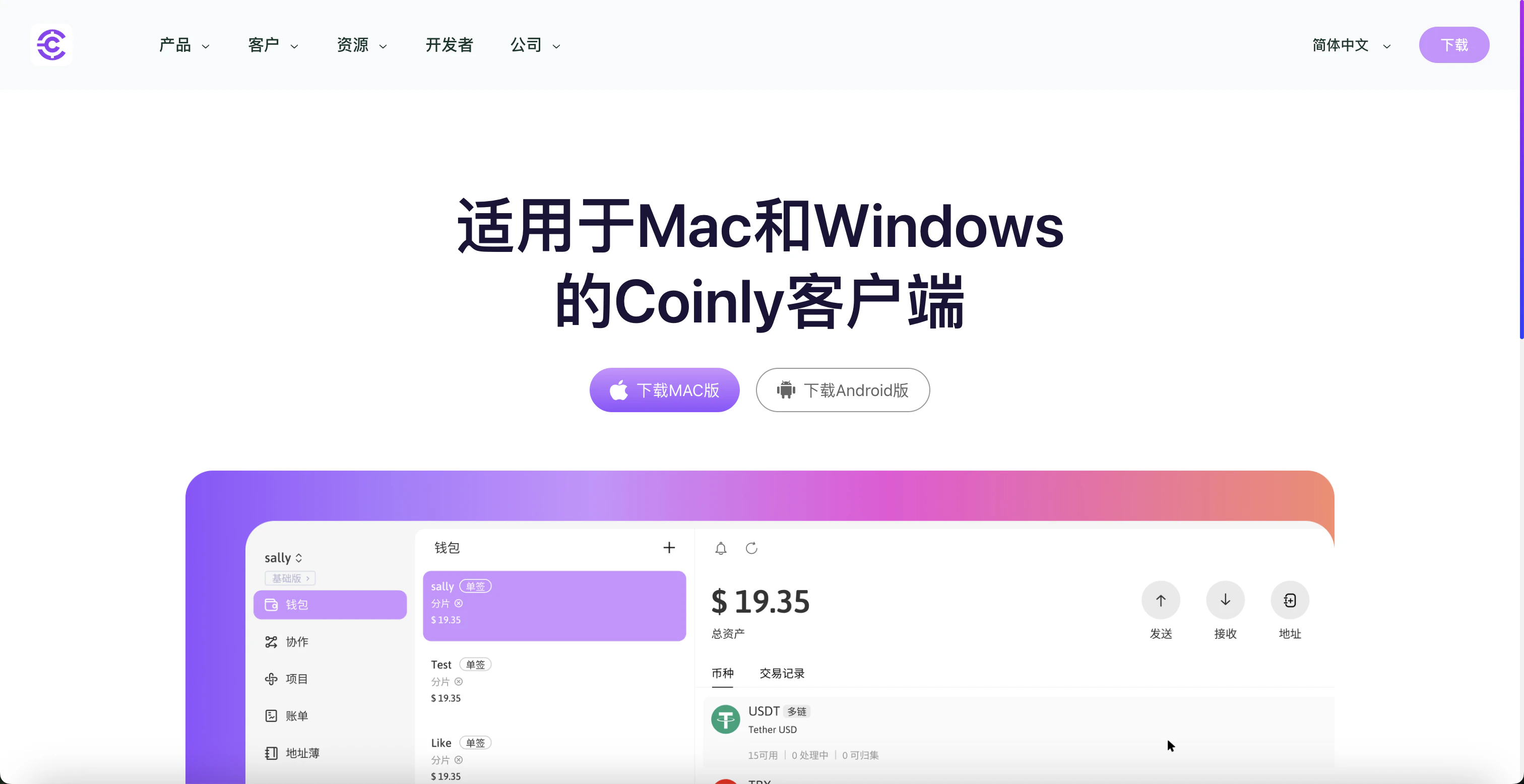
### 下载 Coinly PC 客户端
访问下载连接:[https://coinly.vip/](https://coinly.vip/)
选择您的操作系统以下载对应的Coinly安装包,安装包大小约为:
* **Mac**: 148MB
* **Windows**: 105MB
 ## 注册账号、登录
详情参考[帐号注册及登录](https://0xcoinly.github.io/coinly-wallet-guide/%E8%B4%A6%E5%8F%B7%E6%B3%A8%E5%86%8C%E5%8F%8A%E7%99%BB%E5%BD%95/login.html)
1. 注册 Coinly 账户
2. 绑定 Google 验证
3. 登录 Coinly 账户
## 生成API Key
1. 打开 Coinly App
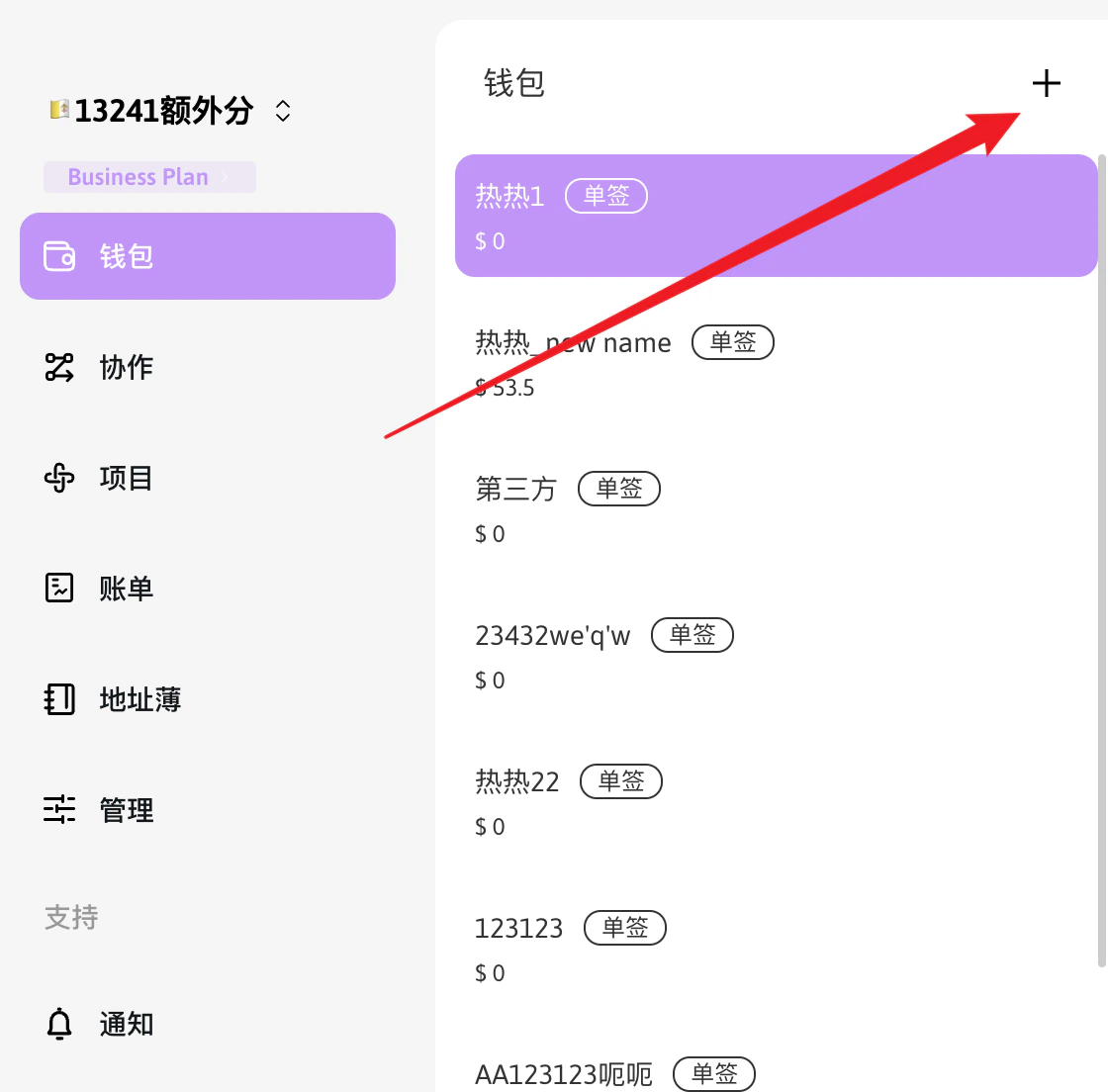
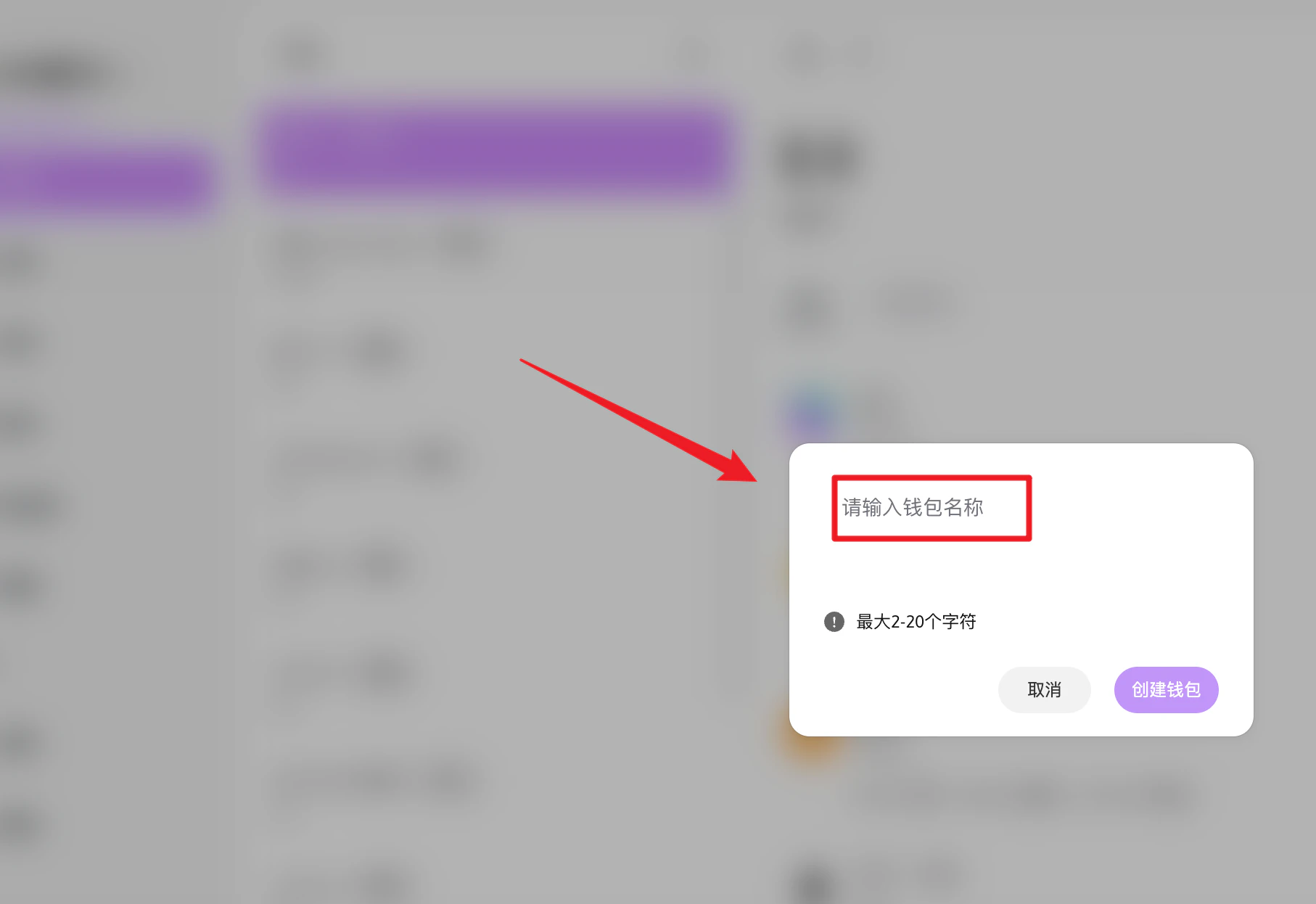
2. 在”钱包”中,创建名为 “my-wallet” 的钱包
## 注册账号、登录
详情参考[帐号注册及登录](https://0xcoinly.github.io/coinly-wallet-guide/%E8%B4%A6%E5%8F%B7%E6%B3%A8%E5%86%8C%E5%8F%8A%E7%99%BB%E5%BD%95/login.html)
1. 注册 Coinly 账户
2. 绑定 Google 验证
3. 登录 Coinly 账户
## 生成API Key
1. 打开 Coinly App
2. 在”钱包”中,创建名为 “my-wallet” 的钱包
 3. 创建项目
[*— 创建项目API*](https://0xcoinly.github.io/coinly-wallet-guide/%E5%88%9B%E5%BB%BA%E9%A1%B9%E7%9B%AE/qb.html)
请妥善保管您的**API Key,网关服务器域名,项目编号**,不要与他人分享。
# 测试 APi Key
1. [选择您所需要的SDK](/docs/SDK和工具/SDK支持):Java
2. 准备SDK所需的3个关键信息 API Key, 网关服务器域名, 项目编号
了解HTTP Request构造细节,请参阅[请求说明](/docs/API参考/请求说明)
3. 创建项目
[*— 创建项目API*](https://0xcoinly.github.io/coinly-wallet-guide/%E5%88%9B%E5%BB%BA%E9%A1%B9%E7%9B%AE/qb.html)
请妥善保管您的**API Key,网关服务器域名,项目编号**,不要与他人分享。
# 测试 APi Key
1. [选择您所需要的SDK](/docs/SDK和工具/SDK支持):Java
2. 准备SDK所需的3个关键信息 API Key, 网关服务器域名, 项目编号
了解HTTP Request构造细节,请参阅[请求说明](/docs/API参考/请求说明)